
Video Players
VR Gesture Player
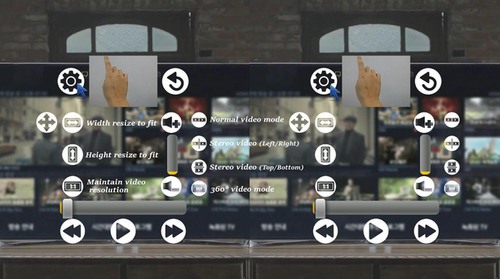
When it comes to Virtual Reality its best viewed when it becomes more realistic as possible. VR Gesture Player is one such VR Media player which makes watching videos a great experience. The most Striking feature of VR Gesture Player is that with the RVR VR Glasses and the front heat plate removed, you can use your hand to control the Videos with your smartphones camera. Not only does it track your hand gestures but you can even type on it using your hand, and control videos. Besides, allowing Videos to be controlled by hand gestures, it can even play 2D Videos in Side by Side playback so that you can watch even 2D videos in your VR Glasses like on a huge cinema screen. Besides, being a VR player it can smoothly play 3D Videos & 360 Videos as well.

VR Player Free
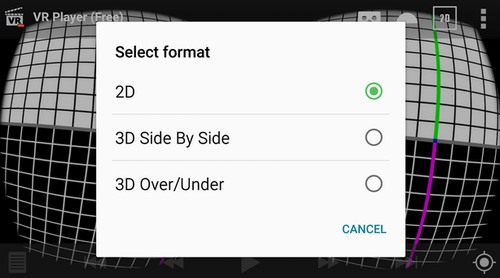
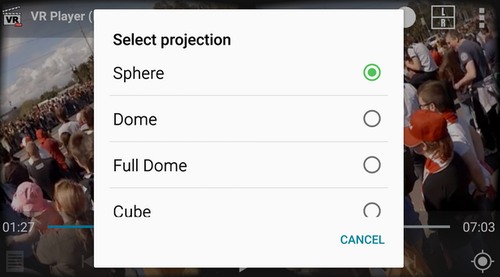
VR Player Free is a free an easy to use VR Player which can play various VR Video formats. You can use it to Play 2D , 3D SBS , 3D Top/Bottom Videos on your Android phone. Besides being able to play 2D SBS Videos, it can even play 360 degree videos. Also the various projections methods present in VR Player free such as Sphere , Dome , Cube will give a realistic 360 Degree Imax theater experience right on your Android Phone!
AAA VR Cinema
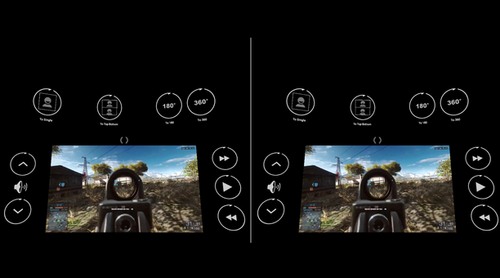
AA VR Cinema is another free alternative VR Cinema player for Android and gives a variety of playback options to play normal as well as 360 3D VR Videos. The most striking thing about AAA Cinema which we liked the most is its head-tracking technology which works by tracking your head movement drift. Thus, you can watch VR videos even without Gyroscope sensor if you have AAA VR Cinema app which is simply great. Not to forget the host of features it provides to watch VR videos on your Android like 180-degree panorama, 360-degree playback which not many apps provide.
VRTV Player Free
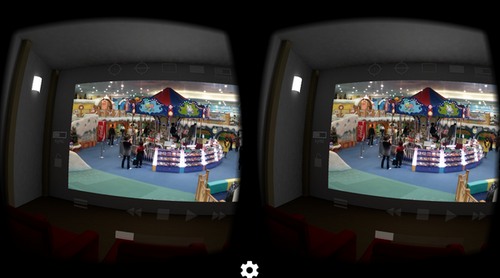
VRTV Player free is a similar app to VR Player free but the UI is a bit modest. However, the clean and minimalist UI works wonders when it comes to Smoothness in Playback. It provides almost all the important features required to Play VR Videos like projection type : Flat , Dome, Cube , Cylinder. As well as it supports 2 D Video playback alongwith the 3D VBS, and 360 formats. All options can be selected via head tracking within the video screen, including jumping through scenes, play, pause etc. The Best feature we found out in our tests was the “Fish eye” mode under the “projection” tab of video we are playing. The Fish eye mode splits any video in such a way that it gives the least concussion or strain to the eyes if the distance between pupillary lens is properly adjusted on VR headset.
VR ONE Cinema Player
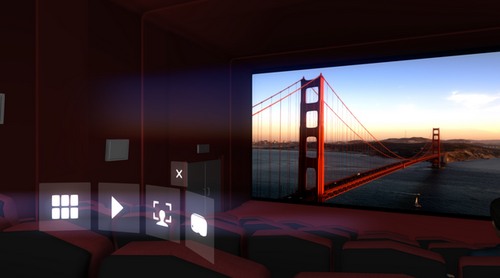
You can watch movies on the “big” VR screen in a dark, immersive theater environment, complete with curtains, seating, and other patrons. You can watch videos you already have from various sources on your smartphone. Dig into your iTunes or Camera Roll non-DRM MP4 movies or view downloaded 3D side-by-side (SBS) movies through your RVR Headset.
Select your video by turning your head to activate the menu. In addition to providing a 3D movie theater, an intuitive interface lets you play/pause or select among various videos. You feel like you are sitting in a 3D movie theatre where you can look around and towards the screen where a video is being played.
For Android For IOS

Video 360 for Windows Mobile
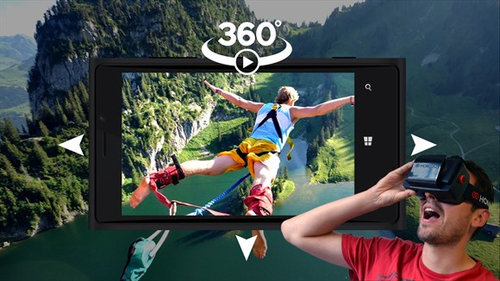
Video 360 is the first mediaplayer 360° on Windows Store. The 3D Virtual Reality Headsets are supported.

Mobile VR Station
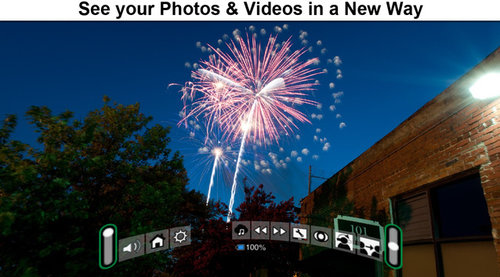
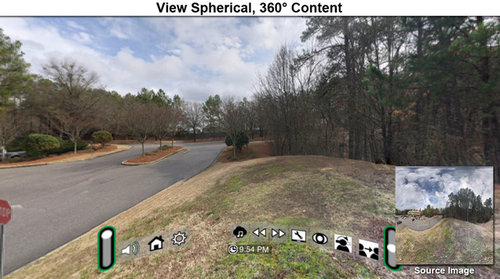
Mobile VR Station is a media player designed for Virtual Reality with head tracking. With this app you can view your Photos, Panoramas, Videos & Files projected onto a virtual screen floating in space. Our app supports displaying standard 2D and 3D Side By Side/Over Under content.